3D Premium Editable Text Effect Design: A Practical Guide for Creatives and Professionals
Understanding 3D Premium Editable Text Effect Design
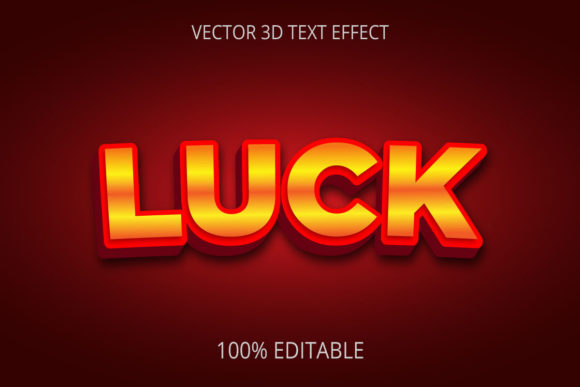
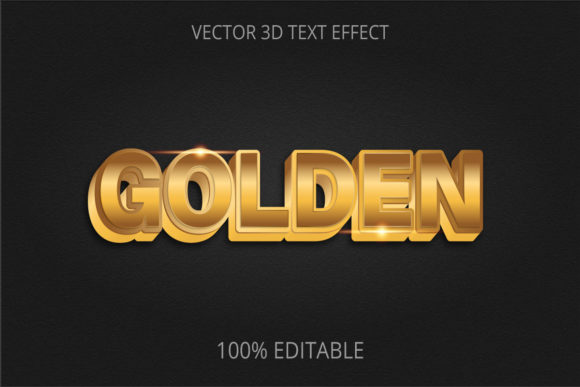
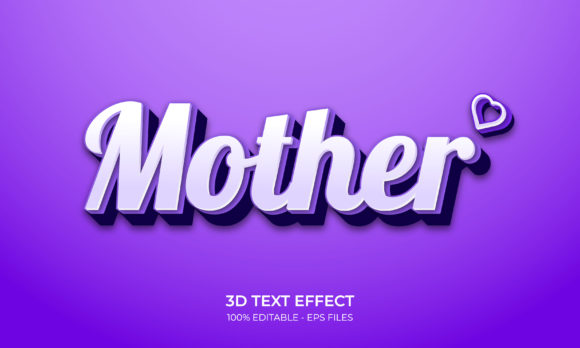
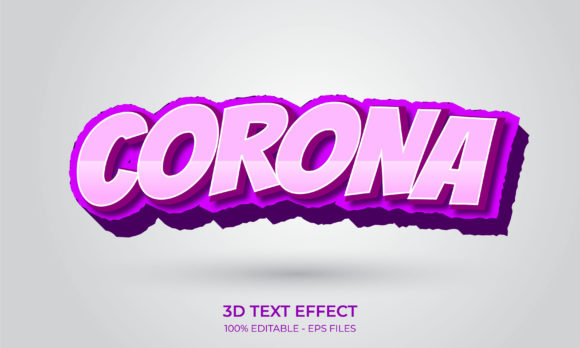
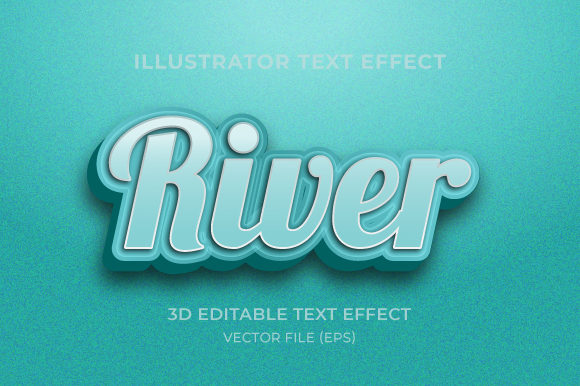
3D premium editable text effect design refers to layered, fully customizable text styles that give your typography a three-dimensional appearance while retaining the ability to change the wording, font, colors, and materials. These effects are typically distributed as Photoshop PSD files, Adobe Illustrator AI files, or as smart objects within design software. The “premium” aspect points to professionally crafted lighting, bevels, shadows, textures, and material simulation—often mimicking metal, glass, plastic, neon, or chrome.
What sets these effects apart from static text renders is editability. You can open the file, double‑click a smart object, type your own word or phrase, and the 3D effect automatically applies to the new text. This saves hours of manual layer work and maintains consistency across multiple projects. In a workflow, these effects function as reusable templates that sit between your brand typography choices and the final rendered asset—a bridge between raw text and finished graphic.
During Planning and Brand Alignment
When you’re defining a campaign, product name, or channel identity, using a 3D text effect can help visualize how a wordmark will look before committing to expensive production or printing. At this stage, the effect acts as a rapid prototype. You can test different fonts, material colors, and lighting angles to see if the aesthetic matches your brand guidelines. This is particularly useful for small business owners and freelancers who need to present multiple visual directions to clients without building each effect from scratch.
During Asset Creation
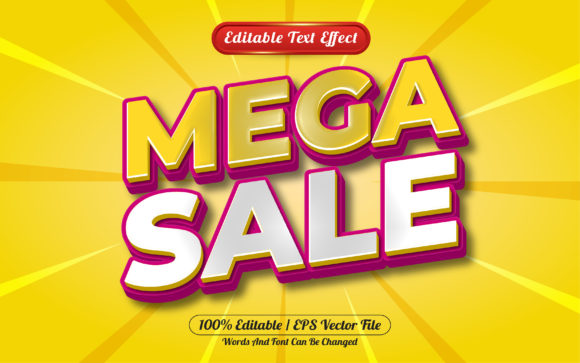
For marketers and content creators, 3D editable text effects are most valuable during the active production phase. Social media banners, YouTube thumbnails, webinar slides, email headers, and sale posters all benefit from attention‑grabbing typography. Because the effect is editable, you can produce a series of graphics (for example, a weekly product highlight) with the same 3D style but different text each time. Using Photoshop smart layers or Illustrator symbols, you can swap the content and export in minutes.
Bloggers and educators often embed 3D text in course images, ebook covers, or infographic titles. The consistent style strengthens brand recognition and makes learning materials look more polished. Meanwhile, publishers and app developers can use these effects for splash screens, notification badges, or store icons—anywhere a high‑impact word needs to stand out.
After Production: Revisions and Variants
One of the strongest arguments for editable designs is how they handle post‑production changes. A client asks for a different shade of blue, or you need a version for a different language. Because the text effect is built on smart layers, you reopen the file, adjust the text or layer style, and re‑export. There is no need to rebuild the 3D rendering or search for source materials. This reduces revision turnaround time from hours to minutes, a significant advantage for agencies and busy freelancers.
Preparation and File Management
Before using a 3D editable text effect, organize your asset library. Store PSDs or AI files in clearly labeled folders with the effect name, the software version required, and any special font requirements. Many premium effects rely on specific typefaces; if you do not have the font, the text will either fail to render or default to a generic one. Always check the included documentation for font licenses and download them ahead of time. If the effect uses shape layers instead of live text, you may need to recreate the text shape manually—though most modern editable effects support live text through smart objects.
Customization Without Breaking the Effect
The best 3D premium editable text effects are built with non‑destructive techniques: smart objects, adjustment layers, and layer groups. To change colors, look for fill or hue/saturation adjustment layers inside the group. Avoid editing the 3D bevel or extrusion layers directly; instead, use the parameters provided (often via the 3D software panel or layer style options). For materials like metal or glass, tweak the gradient or texture maps inside the smart object, then save to update the whole composition.
Efficiency Through Templates and Automation
If you produce content regularly—such as weekly social posts or monthly email footers—set up a master file that contains your chosen 3D text effect, along with correct canvas size, resolution, and background. Duplicate this file for each new piece of content. Many professionals also create action scripts (Photoshop Actions) that automate the export process: flatten, save as PNG or JPG, and rename. This workflow integration reduces repetitive steps and keeps your focus on the message, not the mechanics.
Consistency Across Projects
When using multiple 3D effects across a brand, maintain a unified look by limiting yourself to one or two material styles. Mixing a chrome effect with a neon effect in the same campaign can feel disjointed. If you purchase or create a “premium” effect, take notes on its lighting angle and perspective so that other design elements (shadows, gradients, images) match. This attention to visual cohesion matters for small business owners and marketers who want a professional identity without hiring a full design team.
Testing and Compatibility
Not all 3D editable text effects work across every software version. A PSD created in Photoshop 2024 may not behave the same way in Photoshop 2021, especially regarding 3D layer functionality. Before buying or building a large library, test the effect in your exact software environment. If you use tools like Canva or Figma, look for editable 3D text effects exported as layered PNGs or as templates that rely on non‑destructive layer styles, because those platforms do not support native 3D layers. For video work (After Effects, Premiere), seek aeditable 3D text templates (MOGRTs) that allow text and style changes directly in the timeline.
Archiving and Reusability
After completing a project, save the final file in its editable form. Never flatten a 3D editable text effect unless you are certain you will not need to change the text. Keep the original template file untouched, and archive a copy alongside the final exports. Over time, you will build a library of styles that can be pulled out for seasonal campaigns, new launches, or quick mockups. Label them clearly: for example, “Effect_Metal_Gold_Bold” or “Effect_Glass_Neon_Blue.” This small organizational step saves enormous time later.
Staying Current
3D design trends shift. A highly reflective chrome effect may look dated next year, while softer, matte‑finish 3D text gains popularity. To keep your work fresh, review the effects in your library every six to twelve months. You can update a premium effect by modifying its materials, shadows, or background without changing the text. Consider building your own adjustable presets using layer styles and smart objects so that you can evolve the look without abandoning the editable convenience.
Integration with Other Tools, Assets, and Decisions
3D premium editable text effects do not live in isolation. They interact with your broader design ecosystem. For example, a marketer building a landing page in Webflow might export a 3D text headline as a PNG with a transparent background, then place it over a gradient block. An educator creating a Coursera video might import a 3D text slide from Photoshop into Premiere Pro using a layered composition. The editable nature means the text can be updated at any stage without leaving the video timeline.
When collaborating with a team, use cloud storage (Dropbox, Google Drive) to share the editable files rather than flattened images. This allows copywriters to correct spelling directly in the smart object without asking the designer. Small business owners can maintain a central folder of branded 3D effects that employees can access—reducing freelance design costs.
Deciding when to use a premium editable effect versus building a custom 3D render depends on volume and uniqueness. For one‑off, highly art‑directed projects, a custom render may be worth the effort. For fast‑paced, repetitive work—social media graphics, product badges, email series—an editable template wins every time. The premium cost is offset by the hours saved and the consistent quality output.
Putting It All Together: A Typical Workflow Example
A publishing company needs to produce 15 book cover mockups with different titles, all using a metallic 3D effect. The designer opens a PSD file containing the premium editable text effect. She sets the canvas to the cover size, double‑clicks the smart object, types the first title, saves, and the effect updates. She repeats this for all 15 titles, adjusting colors slightly via a hue layer to match each book’s genre. Within an hour, she exports 15 high‑resolution images for the client review. The same effect is then reused six months later for a new series, needing only font adjustment and a tweak to the metal tint. The editable design paid for itself multiple times.
For a YouTuber creating channel banners, the workflow is similar: a single 3D effect file becomes the basis for each video’s promoted graphic. They change the text, background gradient, and export a fresh thumbnail every week. The ability to maintain a consistent look while saving design time directly impacts their publishing schedule.
In both cases, the 3D premium editable text effect design serves as a reliable, adjustable component that bridges creative vision and practical output. It is not a magic bullet—it still requires careful font selection, color coordination, and composition judgment—but it removes the tedious, repetitive aspects of producing 3D typography by hand. For any professional or creator who regularly works with text in marketing, branding, education, or content production, incorporating these effects into your workflow is a straightforward decision that pays dividends in efficiency, consistency, and quality. Invest in a few well‑made templates, organize them diligently, and use them wherever impact matters most.